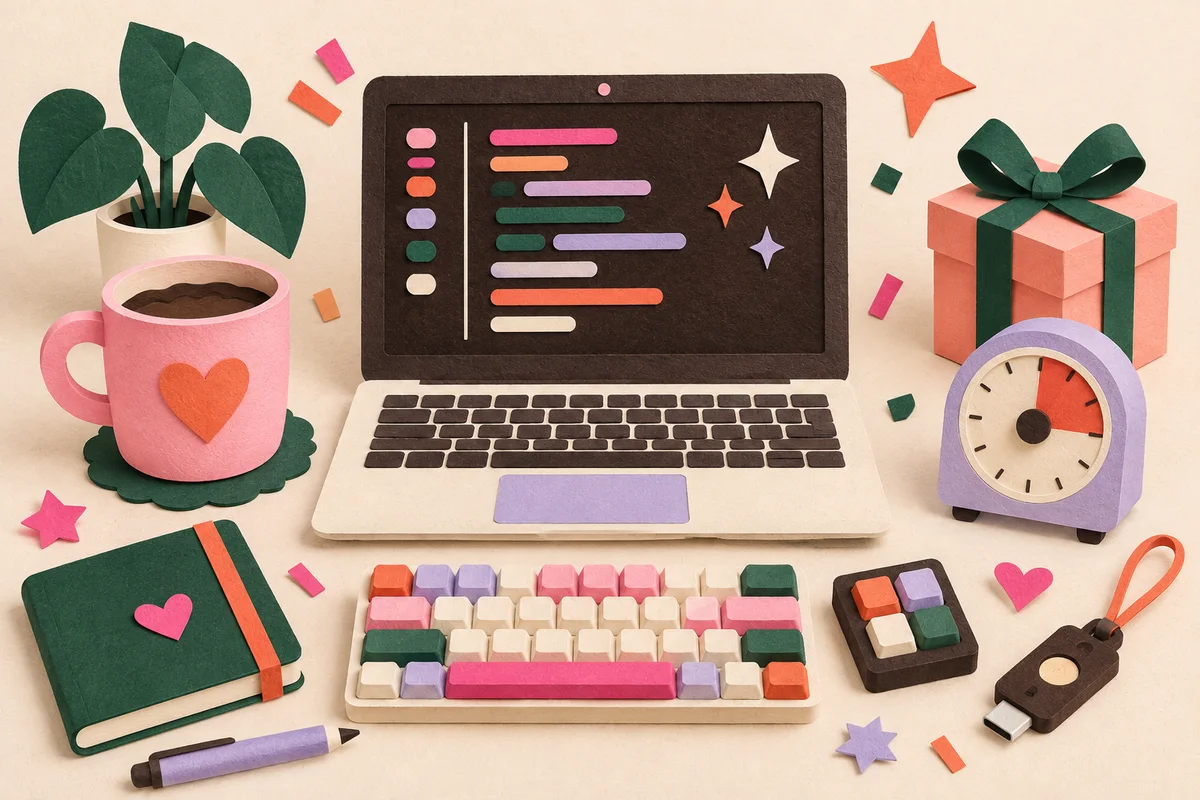
The best gifts for vibe coders help an idea move from “what if?” to “it works.” They do not need to be flashy or intensely technical. A shortcut that saves five repetitive steps, a calmer desk, or a friend willing to test the first build can be more useful than another novelty mug.
By vibe coder, we mean someone who uses natural-language AI tools to help make websites, apps, automations, or prototypes. They may be a professional developer, a designer learning to build, or a founder turning a weekend idea into something people can try. That range matters: the right gift depends less on their job title and more on how they like to create.
Prices and availability below were checked on September 24, 2026. Retail prices change, so confirm the final total, operating-system support, and return policy before ordering.
Quick picks by budget
- Under $25: A visual focus timer
- Under $50: A compact Bluetooth keyboard or compatible security key
- Around $100: A programmable shortcut pad
- Splurge: A premium mechanical keyboard in the switch style they choose
- Most personal: A launch-night care package and an offer to test their next project
1. A programmable shortcut pad for their build flow
Best for: The builder who repeats the same commands, opens the same tools, or demos projects often.
The Elgato Stream Deck Neo has eight customizable LCD keys, an information bar, and two touch controls. A vibe coder could use it to open a project, start a local server, mute a call, launch a prompt library, or trigger a multi-step routine. Elgato listed it at $99.99 when checked.
This is a strong gift only if they use a compatible Mac or Windows computer and have a free USB-C port. Let them program it themselves; choosing the shortcuts is half the fun, and you will not need access to their files or accounts.
2. A quiet keyboard for building anywhere
Best for: A laptop-first creator who moves between a desk, couch, and coffee shop.
Logitech’s Pebble Keys 2 K380s is compact, uses quiet low-profile keys, and can switch among three paired devices. Logitech lists support for Windows, macOS, iPadOS, iOS, and Android. The regular price was $39.99, with a temporary $33.99 sale price on the date we checked.
Ask which keyboard layout they use before buying. This is a practical portable option for someone who likes laptop-style keys. A mechanical-keyboard fan will probably want something more specific.
3. A mechanical keyboard they help choose
Best for: Someone who talks about key feel, switches, or desk setups.
A keyboard is personal equipment, so turn the purchase into part of the gift. Give them a card that says you are taking them keyboard shopping, set a budget, and let them choose the layout and switch type.
For a ready-made reference point, the Logitech MX Mechanical Mini offers tactile quiet, clicky, and linear switch options, backlighting, and support for switching among up to three devices. Logitech listed it at $159.99. Confirm their operating system and whether they need a number pad before ordering.
4. A hardware security key—with a compatibility check
Best for: A security-minded builder who already uses passkeys or two-factor authentication.
The Security Key C NFC by Yubico was listed at $29. It connects over USB-C, works with NFC-enabled mobile devices, and supports FIDO2/WebAuthn and U2F. That makes it useful for compatible accounts, but it does not cover every authentication method.
Before buying, check that their computer has USB-C and that the services they want to protect support this key. Give it unopened and let them complete setup. A security key should also be part of a recovery plan, so it works best for someone who will configure a backup method.
5. An analog timer for focused build sprints
Best for: A creator who opens one more tab every time a task gets difficult.
The Time Timer MOD Home Edition makes a work block visible without adding another notification to the screen. It runs silently, has an optional alert, and shows the remaining portion of a 60-minute interval. It was listed at $24.95.
Pair it with a handwritten suggestion: 25 minutes to build, five minutes to step away, then one clean test. The timer is also useful for meetings, design reviews, and the final polish that can otherwise expand all evening.
6. A project notebook that starts with one good prompt
Best for: The person with five app ideas in their notes and three more in their head.
Choose a notebook that can live beside the keyboard. On the first page, write a lightweight project brief:
- Who is this for?
- What should they be able to do in one minute?
- What is the smallest version worth sharing?
- How will we know it works?
This keeps the gift personal without prescribing what they should build. Add sticky tabs for ideas, feedback, bugs, and “later,” so future features have somewhere to wait.
7. A domain-name budget for the next tiny internet project
Best for: A builder who loves shipping small public experiments.
Offer to cover a domain registration up to a set amount, then choose the name together. The recipient should create the registrar account and own the domain from the start. Include the renewal price in the decision: a clever first-year deal is less charming when the next bill is unexpectedly high.
If they are not ready to name a project, put the budget in a “future launch” envelope rather than registering a domain they may never use.
8. One month of the AI tool they already use
Best for: Someone who has clearly told you which coding assistant is part of their workflow.
Tool preferences change quickly, and subscriptions are often tied to personal accounts. Ask which service and plan they already pay for, then cover one month with a simple cash transfer or prepaid card. Do not create an account, buy a random annual plan, or ask for their login.
The thoughtful part is removing a real project cost without locking them into your choice. Write the purpose in the note: “For the month you finally ship the neighborhood guide.”
9. A launch-night care package
Best for: The person who keeps saying their project is “almost ready.”
Build a small box around the moment of publishing: their favorite snack, a good non-spill drink, screen wipes, a charging cable you know fits, and a card with a specific offer to help. Skip energy drinks unless you know they want them; shipping at 2 a.m. is not a requirement.
Your offer might be “I will check the signup flow on my phone” or “I will proofread the homepage.” That turns a familiar care package into practical momentum.
10. A tiny design budget
Best for: A capable builder whose prototype still has a placeholder icon.
Set aside a budget for one finishing asset they choose: an icon set, a font license, an illustration, a domain, or an hour with a designer. Ask about the project before buying a marketplace bundle. File formats, licenses, and visual style all matter.
This gift respects the fact that making a product feel coherent is work. It can also help an AI-assisted prototype look more like the creator and less like its starting template.
11. A real first-user session
Best for: Any vibe coder preparing to share a project with people beyond their own screen.
Make a coupon for one 30-minute usability session. Agree to try the project without hints while they watch. Say what you expected to happen, where you hesitated, and what felt clear. Avoid redesigning the whole product for them.
For extra value, test on a device or browser they do not own. A willing first user often reveals more than another gadget, and it gives the creator a safe step between building and publishing.
12. A cable-and-adapter kit based on their actual bag
Best for: A creator who builds while traveling or presents projects away from home.
Look at what they carry before choosing anything. A short charging cable, compact wall charger, video adapter, or labeled cable pouch can solve a recurring annoyance. Match the connector, charging wattage, and laptop requirements exactly; “USB-C” alone does not guarantee that a cable supports the power or display feature they need.
If you cannot inspect the setup, give a pouch and a budget for them to complete the kit. It is less surprising, but much more likely to work.
How to choose the right gift for a vibe coder
Start with one question: what slows them down right now?
If it is repetition, choose the shortcut pad. If they build in different places, consider the portable keyboard or cable kit. If focus is the problem, pick the timer. If they are close to launching, offer testing, design help, or a care package.
Avoid guessing about operating systems, keyboard layouts, ports, subscriptions, or security setup. For technical gear, a shared shopping trip or a gift receipt is thoughtful. For more ways to match a gift to someone’s routines, use our guide to choosing a gift. If you need a smaller option for a creative friend, browse our best-friend gifts under $50.
The most memorable gift may be the sentence that comes with it: “I like what you are making, and I want to help you finish it.” Save that detail in Giftlify, along with the tools, projects, and tiny frustrations they mention for next time.